

If you’re in the world of architectural visualization, chances are you’ve heard of both Unreal Engine and V-Ray. These two names often come up when people are looking for the best 3D rendering software for architecture. But which one should you use? That’s what we’re here to break down in this guide in plain, simple language.
What Is Unreal Engine?
Unreal Engine is a real-time 3D rendering software developed by Epic Games. Originally built for video games, it has now become a powerful tool for architectural visualization. With Unreal Engine, you can create interactive walkthroughs, real-time lighting, and even VR-ready scenes.
Why Architects Use Unreal Engine
- Real-Time Rendering: What you see is what you get instantly.
- Interactive Walkthroughs: Let your clients walk through the space like they’re actually there.
- VR and AR Ready: Perfect for futuristic presentations.
- Free to Use: No cost unless you’re making a game.
What Is V-Ray?
V-Ray is a high-quality rendering engine developed by Chaos. It’s been a go-to choice in the architecture world for years. V-Ray works as a plugin with 3D modeling software like SketchUp, 3ds Max, and Revit.
Why Architects Use V-Ray
- Photorealism: If you want super realistic images, V-Ray nails it.
- Material Control: You have full control over lighting, textures, and surfaces.
- Well-Established Workflow: Works great with industry-standard tools.
- Great for Static Renders: Ideal for still images like interiors and exteriors.
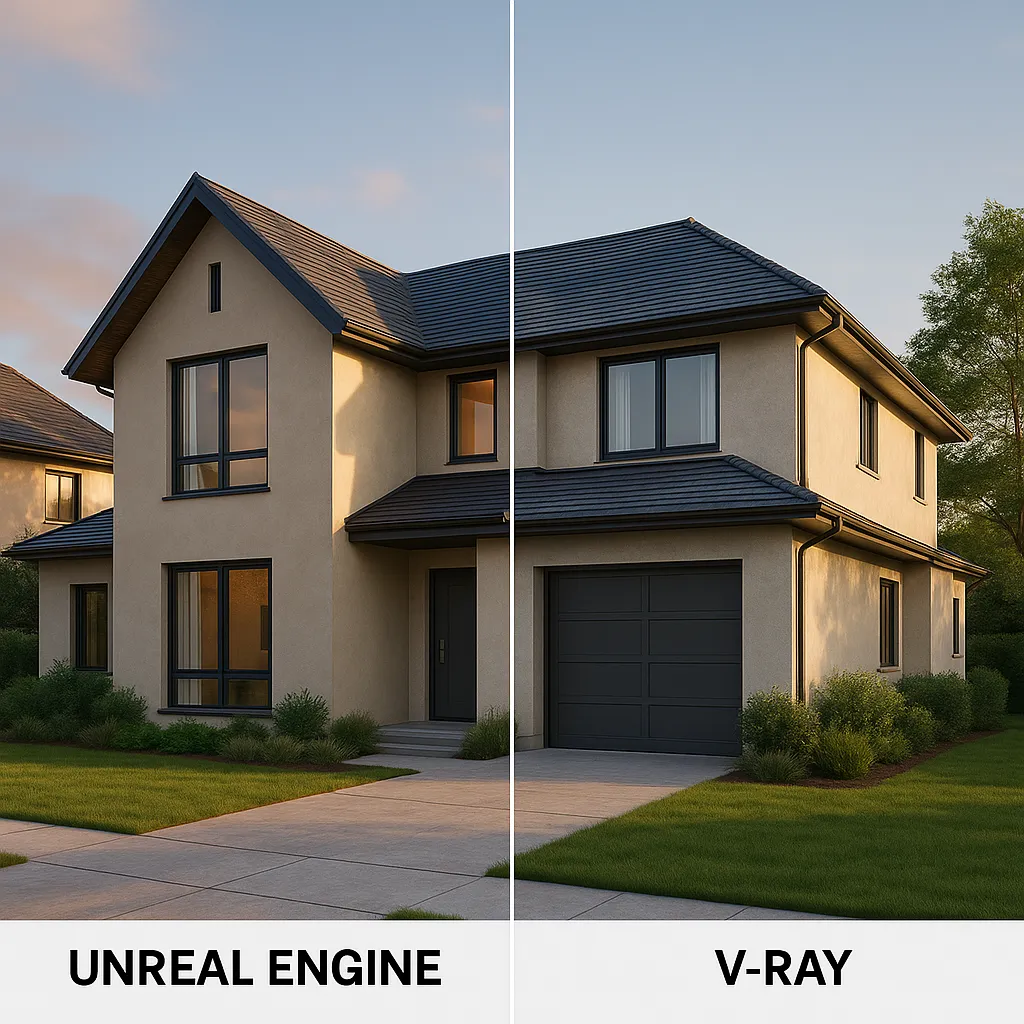
Unreal Engine vs V-Ray: Side-by-Side Comparison
Let’s look at both tools side-by-side so it’s easier to understand what each one brings to the table.
| Feature | Unreal Engine | V-Ray |
|---|---|---|
| Real-Time Rendering | ✅ Yes | ❌ No (but fast with GPUs) |
| Photorealistic Renders | ✅ Very Good | ✅ Excellent |
| Interactive Walkthroughs | ✅ Yes | ❌ No |
| VR Ready | ✅ Yes | ⚠️ Needs extra setup |
| Learning Curve | ⚠️ Steep | ⚠️ Moderate |
| Static Image Quality | ✅ Good | ✅ Excellent |
| Animation Support | ✅ Real-Time | ✅ Pre-Rendered |
| Plugin Support | ⚠️ Limited | ✅ Strong |
| Cost | ✅ Free | ⚠️ Paid License |
When to Use Unreal Engine for Architecture
Unreal Engine architectural visualization is great if:
- You want your client to experience the space.
- You’re working with VR or AR.
- Your project includes animations or walkthroughs.
- You have time to learn a bit more complex software.
When to Use V-Ray for Architecture
V-Ray for architecture is the right pick if you’re looking for detailed control and photorealistic images. (Learn more in our in-depth guide to Chaos V-Ray for architecture.)
- You need top-tier still renders.
- You want full control over light, textures, and shadows.
- You work with SketchUp, 3ds Max, Rhino, or Revit.
- You have tight deadlines and want results you can count on.
The Learning Curve
This is something many people forget to consider. Unreal Engine has a bigger learning curve. It’s powerful, but it takes time to get used to. If you’re just starting out or you need quick results, V-Ray might be the easier path.
That said, once you get the hang of Unreal Engine, it opens up a lot of fun possibilities. Especially if you’re into interactive and immersive projects.
How About Rendering Speed?
Unreal Engine shines here because it’s real-time. You don’t have to wait hours to see how your scene looks. You make a change, and boom it’s there.
V-Ray, on the other hand, takes more time. But the final results are usually sharper and more realistic. Especially when you want detailed lighting and shadows.
Which One Should You Pick?
It really depends on your needs. If your focus is still images that look real enough to be a photo, V-Ray is your tool. But if you’re building a virtual tour, working with VR, or want quick previews without long render times, Unreal Engine is the better fit.
Some studios even use both! They’ll model in SketchUp or 3ds Max, render a few stills with V-Ray, then build a walkthrough in Unreal Engine. That way, they get the best of both worlds.
Final Thoughts
Choosing between Unreal Engine vs V-Ray comes down to your project goals. Both are powerful. Both have strong communities and lots of learning resources.
If you’re aiming for lifelike 3D rendering software for architecture, start with V-Ray. If you’re aiming for movement, real-time feedback, and a wow factor in presentations, Unreal Engine might surprise you.
Still unsure? Try both. They’re widely used for a reason.
Need help with Unreal Engine architectural visualization or high-end V-Ray for architecture work? SolidRender brings New York-quality 3D visuals to projects across the globe.
Let’s bring your design to life the way it deserves.